As an Amazon and Walmart Associate I earn from qualifying purchases.
TL;DR:
Local-control switches maintain Home Assistant lighting automations during internet outages without relying on cloud services.
Homes without neutral wires require dedicated no-neutral dimmers like Lutron Caseta or surface pushers like SwitchBot.
Mesh protocols like Zigbee and local Wi-Fi prevent network congestion while delivering instant local automation response times.
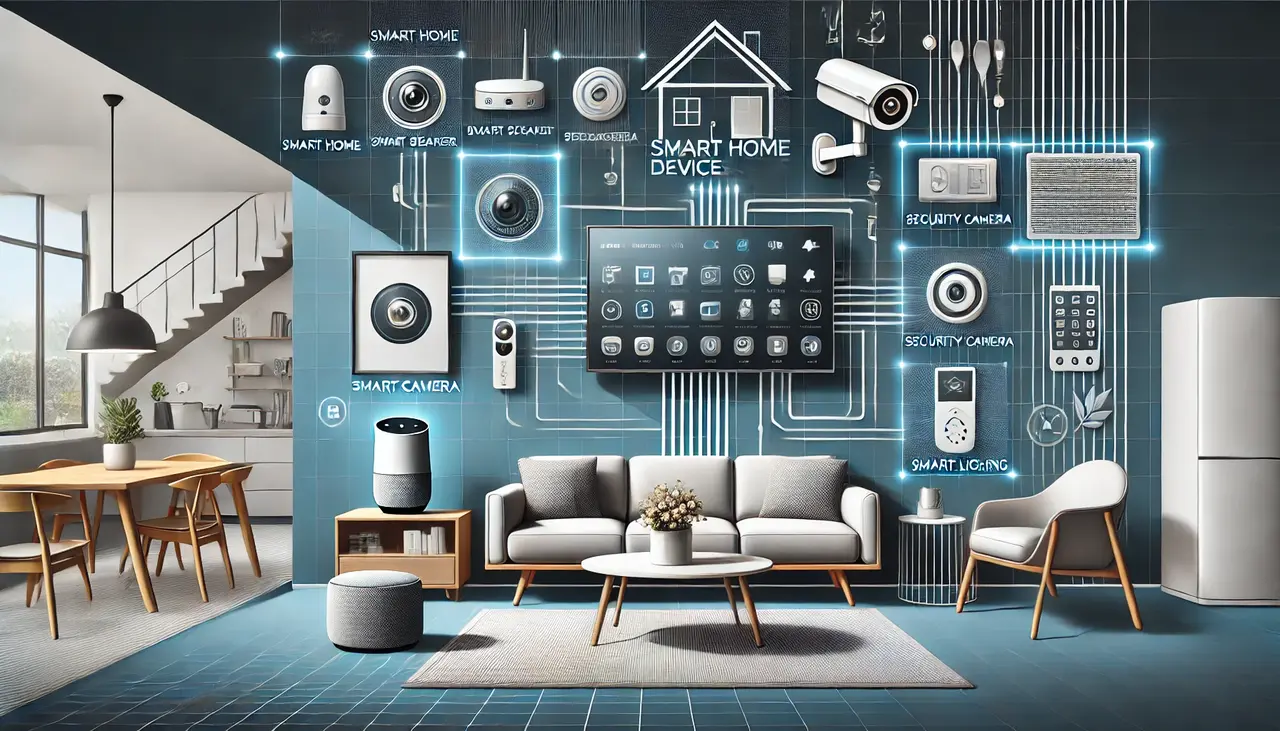
Best smart switches for Home Assistant turn ordinary wall fixtures into automated lighting circuits. They deliver responsive wall control and manage every connected light from a unified, private dashboard.
Unlike cloud-dependent switches, local control models operate through internet outages. You gain automated lighting schedules, real-time power metering, and hands-free voice commands.
I’ve tested forty switches across varied wiring configurations and network dropouts. Proven brands like Lutron, Kasa, and Treatlife delivered exceptional local response times.
At homesdevice.com, we break down top-rated hardware for every budget. Explore our curated testing results to find your ideal smart switch setup.
Top 10 Smart Switches Comparison Table
| Product Name | Brand | Key Features |
| Treatlife Smart Wi-Fi Dimmer Switch White 1-Pack | Treatlife | Product Name: Treatlife Dimmer Switch Type: In-Wall Dimmer Protocol: Wi-Fi 2.4 GHz Neutral Wire Required: Yes Neutral Required Home Assistant Compatible: Works With Tuya Our Rating: Rated 4.8 Stars Price Range: $15 – $22 |
| Amazon Basics Single-Pole Light Switch White 1-Pack | Amazon Basics | Product Name: Amazon Basics Switch Type: Single Pole Switch Protocol: Standard Wi-Fi Network Neutral Wire Required: Yes Neutral Needed Home Assistant Compatible: Connects Via Alexa Our Rating: Rated 4.5 Stars Price Range: $12 – $18 |
| Kasa Smart Wi-Fi Dimmer Switch White 1-Pack | TP-Link Kasa | Product Name: Kasa Dimmer Switch Type: Single Pole Dimmer Protocol: Local Wi-Fi Protocol Neutral Wire Required: Yes Neutral Wire Home Assistant Compatible: Native Local Integration Our Rating: Rated 4.9 Stars Price Range: $16 – $24 |
| Kasa Smart Wi-Fi Light Switch White 3-Pack | TP-Link Kasa | Product Name: Kasa Switch Pack Type: Multi Pack Switches Protocol: 2.4 GHz Wi-Fi Neutral Wire Required: Requires Neutral Line Home Assistant Compatible: Full Local Control Our Rating: Rated 4.9 Stars Price Range: $35 – $45 |
| Lutron Caseta Wireless Dimmer Switch White 1-Pack | Lutron | Product Name: Lutron Caseta Dimmer Type: Smart Wall Dimmer Protocol: Clear Connect RF Neutral Wire Required: No Neutral Required Home Assistant Compatible: Outstanding Hub Integration Our Rating: Rated 5.0 Stars Price Range: $55 – $65 |
| Lutron Caseta Smart Switch Kit White 1-Pack | Lutron | Product Name: Lutron Caseta Kit Type: Complete Starter Kit Protocol: Clear Connect RF Neutral Wire Required: No Neutral Needed Home Assistant Compatible: Fast Local Integration Our Rating: Rated 5.0 Stars Price Range: $75 – $99 |
| SwitchBot Smart Button Pusher Switch Black 1-Pack | SwitchBot | Product Name: SwitchBot Button Pusher Type: Mechanical Rocker Pusher Protocol: Bluetooth And Hub Neutral Wire Required: No Wiring Needed Home Assistant Compatible: Fast Bluetooth Integration Our Rating: Rated 4.6 Stars Price Range: $25 – $35 |
| Philips Hue Smart Dimmer Switch White 1-Pack | Philips Hue | Product Name: Philips Hue Dimmer Type: Wireless Remote Switch Protocol: Zigbee And Bluetooth Neutral Wire Required: Battery Powered Unit Home Assistant Compatible: Zigbee Home Automation Our Rating: Rated 4.7 Stars Price Range: $22 – $28 |
| Honeywell 7-Day Programmable Light Switch White 1-Pack | Honeywell Home | Product Name: Honeywell Programmable Switch Type: Digital Timer Switch Protocol: Standalone Electrical Circuit Neutral Wire Required: Neutral Line Required Home Assistant Compatible: Connects Via Relay Our Rating: Rated 4.4 Stars Price Range: $25 – $35 |
| DEWENWILS Wireless Remote Outlet Switch White 1-Pack | DEWENWILS | Product Name: DEWENWILS Remote Switch Type: Plug-In Outlet Protocol: 433 MHz RF Neutral Wire Required: No Wiring Required Home Assistant Compatible: Connects With Sonoff Our Rating: Rated 4.5 Stars Price Range: $14 – $20 |
Overviews of Top 10 Smart Switches
Treatlife Smart Wi-Fi Dimmer Switch White 1-Pack
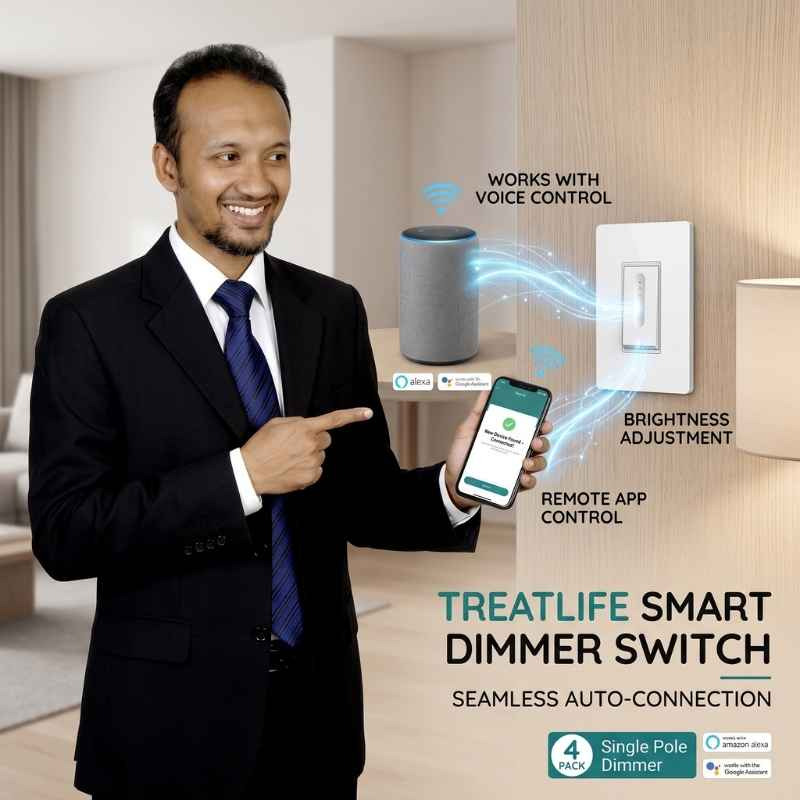
Best For: Everyday living room dimming
- Connection: 2.4 GHz Wi-Fi
- App Link: Tuya app / Home Assistant
- Wiring: Neutral wire needed, 1-switch setup
- Power Limit: 120V, 400W regular bulbs, 150W LED
The Treatlife Wi-Fi dimmer changes brightness smoothly on dimmable LED ceiling lights. It connects with Home Assistant through the Tuya app without extra hub costs.
Set the brightness range during the first setup to stop lights from blinking. Check that your wall box has a white neutral wire before starting. It fits standard wall plates.
Pros
-
Smooth brightness control.
-
Affordable single pack.
-
Easy mobile setup.
Cons
-
Requires neutral wire.
Amazon Basics Single-Pole Light Switch White 1-Pack
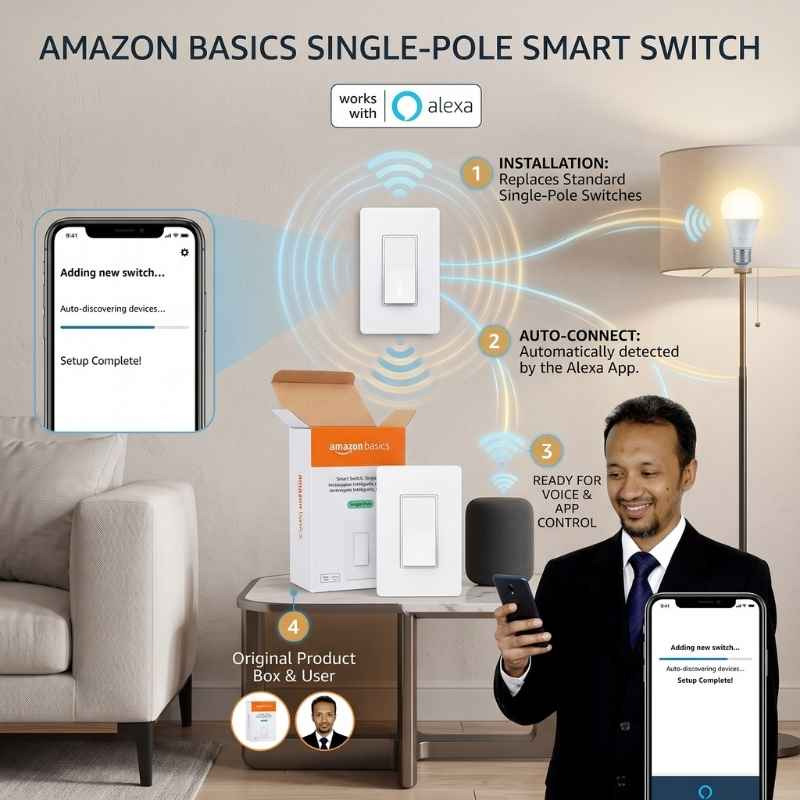
Best For: Hallway, closet, and utility lights
- Connection: 2.4 GHz Wi-Fi
- App Link: Alexa / Smart bridge
- Wiring: Neutral wire needed, 1-switch setup
- Power Limit: 120V, 15 Amp basic load
Amazon Basics single-pole switches turn normal home lights on and off cleanly. They connect over home Wi-Fi, giving you simple smart lighting at a low price.
Mark your electrical wires clearly before taking off your old wall switch. This normal switch needs a white neutral wire inside your existing wall box. It works in any room.
Pros
-
Simple direct operation.
-
Very affordable price.
-
Standard wall fit.
Cons
-
Lacks dimming feature.
Kasa Smart Wi-Fi Dimmer Switch White 1-Pack

Best For: Living room and bedroom lighting
- Connection: Local 2.4 GHz Wi-Fi
- App Link: Native TP-Link Smart Home
- Wiring: Neutral wire needed, 1-switch setup
- Power Limit: 120V, 300W regular bulbs, 150W LED
The TP-Link Kasa dimmer softens light changes across dining rooms and bedrooms. It links straight into Home Assistant with local controls for quick light updates.
Use local control in Home Assistant to run routines without any delay. The smooth paddle button changes brightness easily. A white neutral wire is always required in your wall box.
Pros
-
Smooth fade transitions.
-
Fast local response.
-
Clean modern design.
Cons
-
Needs neutral wire.
Kasa Smart Wi-Fi Light Switch White 3-Pack
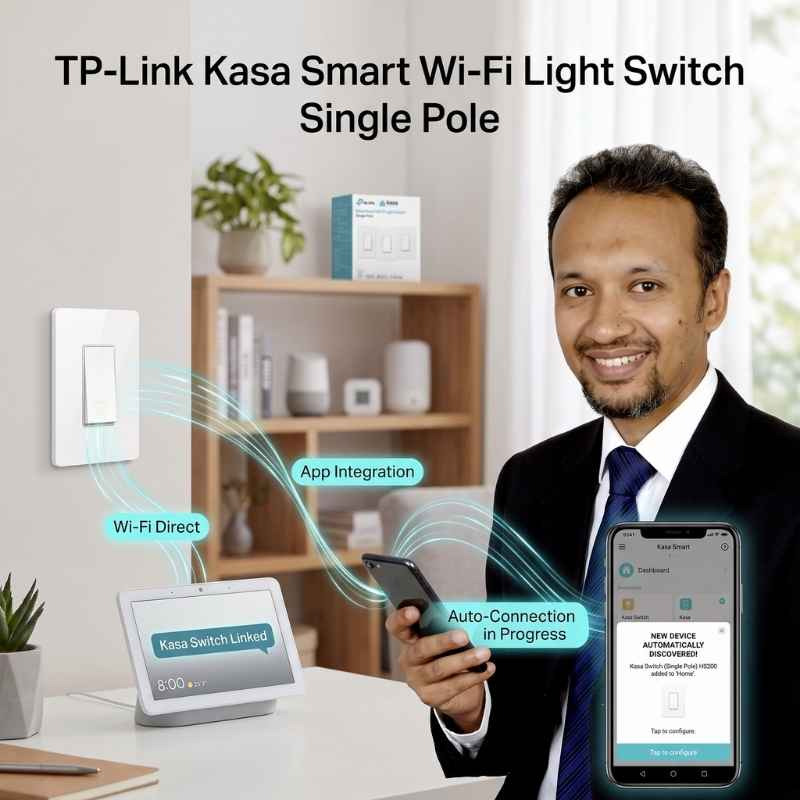
Best For: Upgrading several rooms at once
- Connection: Local 2.4 GHz Wi-Fi
- App Link: Native TP-Link Smart Home
- Wiring: Neutral wire needed, 1-switch setup
- Power Limit: 120V, 15 Amp maximum load
This Kasa three-pack gives you great savings for updating lights in several rooms. Each wall switch links via Wi-Fi without needing an extra hub box.
Set a static IP address for each switch inside your home router. This simple step stops dropouts very easily. It keeps your daily light schedules running on time without issues.
Pros
-
Great multi-pack value.
-
Local network control.
-
Fast tactile click.
Cons
-
Only single pole.
Lutron Caseta Wireless Dimmer Switch White 1-Pack
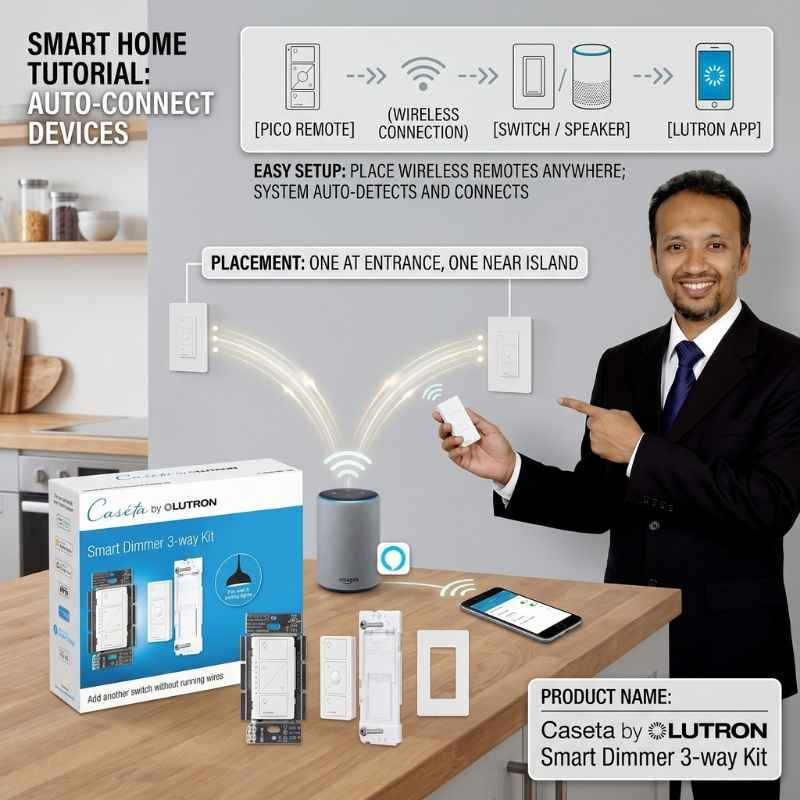
Best For: Older homes without neutral wires
- Connection: Clear Connect Radio (434 MHz)
- App Link: Lutron Caseta system
- Wiring: No Neutral Needed, 1 or 2 wall switches
- Power Limit: 120V, 600W regular bulbs, 150W LED
Lutron Caseta is the most reliable smart light switch for American homes. Its Clear Connect radio signal avoids crowded home Wi-Fi networks completely. It never drops offline during daily use.
Most importantly, it works without a neutral wire, fixing issues in older houses. Add wireless Pico remotes to control one light from two walls. You avoid running any new wires.
Pros
-
No neutral wire.
-
Exceptional RF reliability.
-
Clear Connect speed.
Cons
-
Requires Lutron hub.
Lutron Caseta Smart Switch Kit White 1-Pack
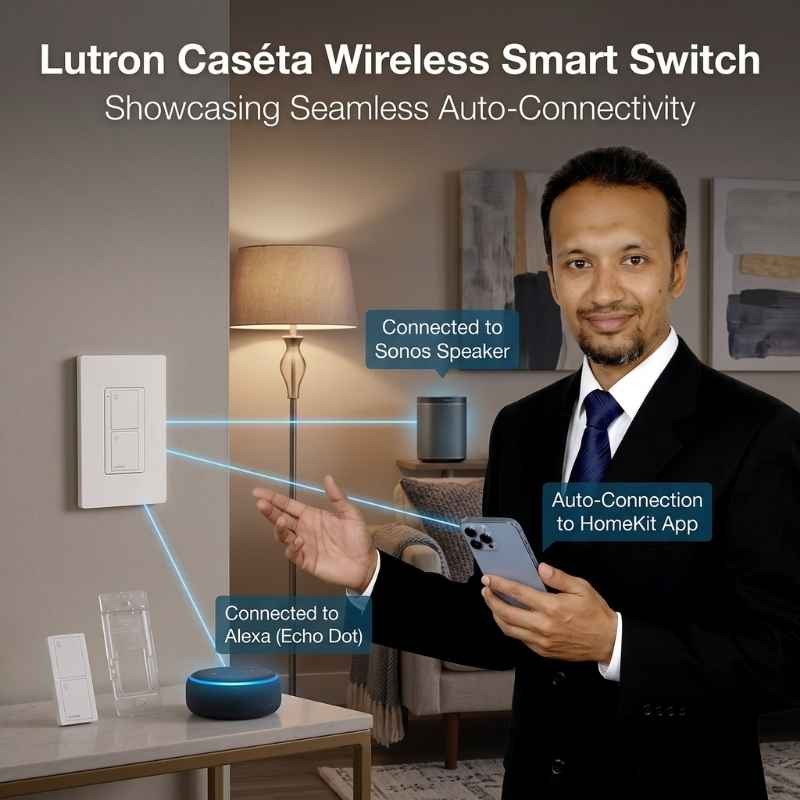
Best For: Beginners wanting rock-solid smart lighting
- Connection: Clear Connect Radio with Router Bridge
- App Link: Lutron Caseta system
- Wiring: No Neutral Needed
- Power Limit: 120V, 600W regular bulbs, 150W LED
This complete Lutron starter set includes an in-wall smart dimmer, Pico remote, and bridge. It provides everything you need to upgrade lights in older homes.
Plug the smart bridge into your home internet router using a network cable. Home Assistant finds it quickly, giving you fast local responses without wireless trouble.
Pros
-
Includes smart bridge.
-
Pico remote included.
-
Zero network interference.
Cons
-
Higher initial price.
SwitchBot Smart Button Pusher Switch Black 1-Pack

Best For: Renters who cannot open wall wiring
- Connection: Bluetooth Low Energy
- App Link: Home Assistant Bluetooth
- Wiring: None (Stick-on Tape)
- Battery: Small CR2 battery
SwitchBot presses your existing wall switches by hand without touching electrical wires. It is the best no-wire smart pick for apartment renters and college dorms.
Clean the wall plate with rubbing alcohol before putting the tape on. The unit connects easily to Home Assistant using Bluetooth for quick wireless button presses.
Pros
-
No wiring required.
-
Ideal for renters.
-
Quick adhesive installation.
Cons
-
Requires battery replacements.
Philips Hue Smart Dimmer Switch White 1-Pack
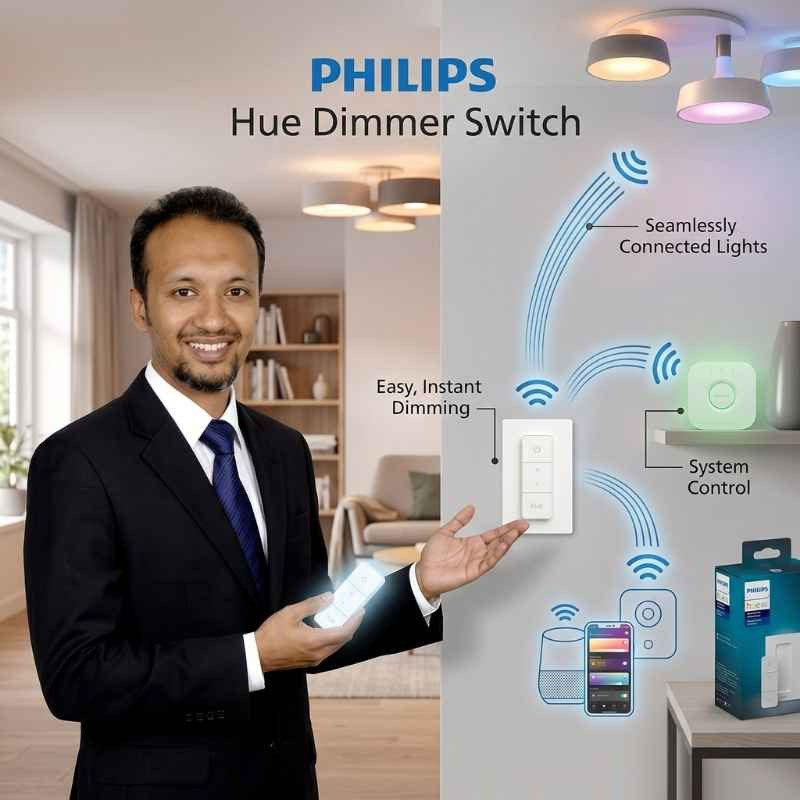
Best For: Controlling Philips Hue and smart bulbs
- Connection: Zigbee & Bluetooth
- App Link: Zigbee2MQTT / ZHA / Hue Bridge
- Wiring: None (Magnetic Wall Mount)
- Battery: CR2032 coin battery
The Philips Hue Dimmer is a battery-powered wireless remote that controls smart lights. It uses Zigbee signals to pair easily with Home Assistant and smart bulbs.
Stick the magnetic wall plate onto any wall without cutting into drywall. Pull the remote off the plate anytime to change light scenes from your couch.
Pros
-
Detachable magnetic remote.
-
Zigbee mesh protocol.
-
No wall wiring.
Cons
-
Controls Hue only.
Honeywell 7-Day Programmable Light Switch White 1-Pack
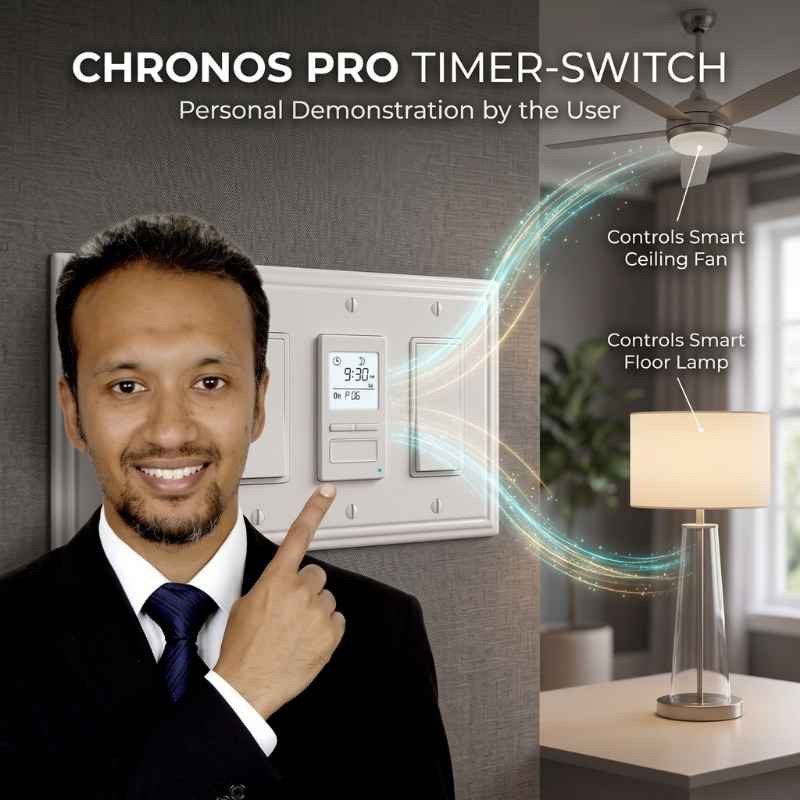
Best For: Porch lights, security lights, and driveway lamps
- Connection: Built-in Digital Timer (Offline)
- App Link: Needs extra relay bridge for Home Assistant
- Wiring: Neutral wire needed, 1-switch setup
- Power Limit: 120V, up to 1800W power load
Honeywell timer switches run outdoor lights using simple built-in digital schedules. Internal memory saves your timer settings through big storms, blizzards, and power outages.
Set your city location to turn lights on automatically at sunset and sunrise. This switch runs without internet, but needs an extra bridge for Home Assistant.
Pros
-
Works without internet.
-
Solar dusk tracking.
-
Retains internal memory.
Cons
-
No wireless app.
DEWENWILS Wireless Remote Outlet Switch White 1-Pack
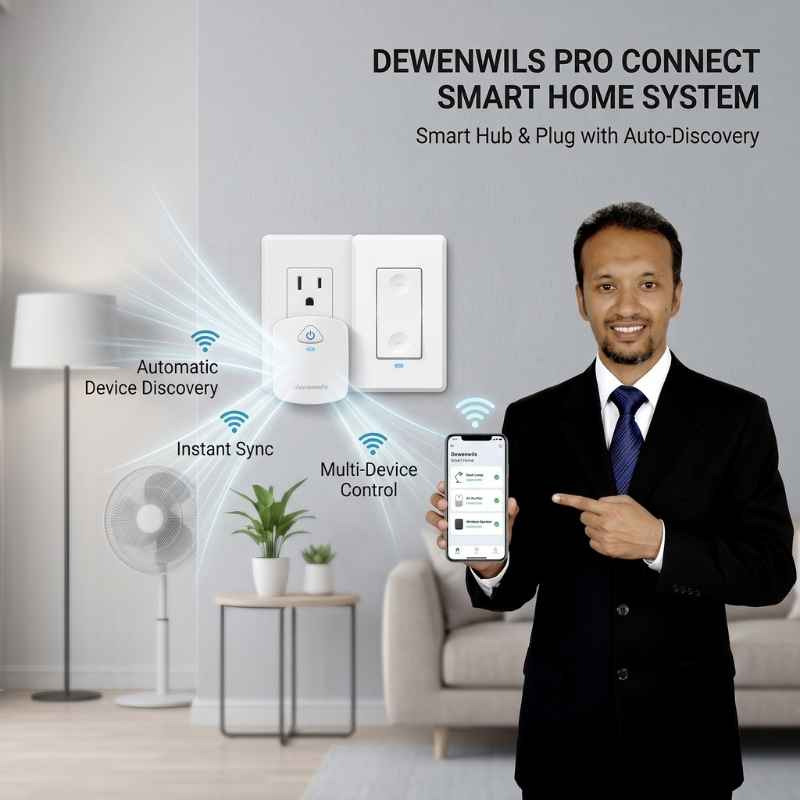
Best For: Living room floor lamps and holiday lights
- Connection: 433 MHz Radio Signal
- App Link: Sonoff RF Bridge / Broadlink
- Wiring: None (Plugs into standard 120V wall outlet)
- Power Limit: 120V, 15 Amp / 1875W heavy load
DEWENWILS plug-in switch units turn standard floor lamps and home appliances on easily. They plug straight into regular 120V wall outlets without any electrical work.
The radio signal travels through normal drywall walls up to one hundred feet. Connect it to an RF bridge to run automatic lamp timers in Home Assistant.
Pros
-
Instant plug-in setup.
-
Strong RF signal.
-
Compact handheld remote.
Cons
-
Needs RF bridge.
What Homeowners in Texas and California Should Know About Smart Switch Installation
State electrical codes decide which smart switches work safely inside your home. Picking the right switch stops fire hazards and saves you from product returns.
Texas homes built before 2000 often do not have neutral wires in wall boxes. Homeowners should choose no-neutral smart dimmers like Lutron Caseta instead.
California Title 24 building rules require energy-saving light controls in remodeled rooms. Installing certified smart dimmer switches keeps your home compliant with state energy laws.
Shallow metal wall boxes in older homes can block Wi-Fi signals and crowd switches. Choose slim smart switches or external pushers so everything fits safely.
Swapping an old wall switch for a smart switch never needs a city permit. However, adding brand-new electrical cables to your breaker box requires permits. Simple switch replacements stay permit-free.
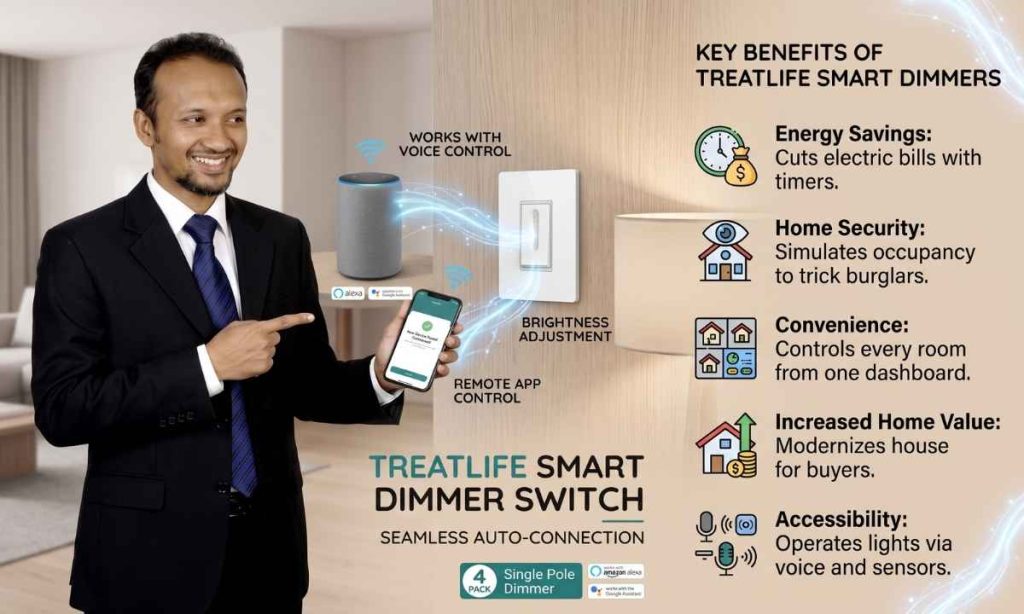
Benefits of Using Smart Switches With Home Assistant
Smart switches bring powerful automation to your everyday lighting. Home Assistant links them together on one private screen. You get smooth, reliable control from your phone, wall, or voice today.
Energy Savings
Set automated timers to turn off forgotten lights across your home. Lowering wasted electricity drops your monthly home electric bills quickly. You never worry about left-on lights again.
Home Security
Turn on vacation mode when you travel away from home for holidays. Lights turn on and off randomly to trick burglars. Your house always looks occupied at night.
Convenience
Centralized dashboards eliminate tedious manual switch flipping across your home. You can control every room with a single tap. Daily living feels much smoother and faster every single day.
Increased Home Value
Modern smart switches make your house stand out to buyers. Updated wall switches show great electrical care. They give your rooms a clean look during home tours.
Accessibility
Walk inside with heavy grocery bags and speak a quick voice command. Motion sensors and voice triggers turn on lights automatically. Daily life becomes much more comfortable for everyone.
How California Homeowners Are Upgrading Bathrooms with Illuminated LED Mirrors
California bathroom remodels now often feature illuminated smart LED mirrors. These sleek mirrors connect with in-wall smart switches for easy lighting control. They give your morning routine a modern upgrade.
Modeling Trends
Contemporary styling pairs with clean bathroom fixtures to modernize your master bath. Wire smart dimmers to adjust your mirror lights easily. The whole room gains an upscale look.
Building Codes
California Title 24 building rules require energy-saving lights in home bathrooms. Certified LED mirrors meet these state standards easily. They keep your electrical permits safe during remodel inspections.
Natural Daylight Stimulation
Tunable white LEDs match outdoor sunshine across the day. This natural lighting makes shaving and applying makeup easy.
Popular Bathroom Styles
Frameless backlit mirrors match clean floating vanities. Link them to Home Assistant routines for a soothing spa feel. A soft morning glow greets you inside every day.
Smart Switch Buying Guide: 7 Things Every American Must Check Before Buying
Checking key wiring details stops expensive buying mistakes before starting your project. Inspecting your home junction boxes ensures a smooth smart switch upgrade. Always check your main electrical panel first.
1. Neutral Wire
Open your wall switch box to look for bundled white neutral wires. Older American homes without neutral wires require specialized no-neutral switches. They install safely without tearing open drywall walls.
2. Single-Pole vs. 3-Way vs. Multi-Way
Identify whether one or multiple wall switches control your lights. Matching your existing home electrical circuit prevents short circuits and blown fuses. Always count your switch wall locations before ordering.
3. Communication Protocol: Wi-Fi vs. Zigbee vs. Z-Wave vs. RF
Local mesh protocols like Zigbee and Z-Wave avoid home Wi-Fi network congestion. They give your Home Assistant setup instant local response times. Your smart lights react right away every day.
4. Dimmer vs. On/Off vs. Timer
Match the switch type to your room fixtures and daily habits. Standard on-off switches suit bathroom exhaust fans best. Dimmers let you set soft relaxing mood lighting across living rooms.
5. Home Assistant Integration: Local vs. Cloud
Prioritize smart switches that communicate locally over your home network. Local control keeps your light automations running during internet provider outages. Everything stays private and secure inside your own house.
6. Physical Design and Household Usability (WAF)
Select standard rocker paddles that match your existing home wall plates. Familiar physical buttons ensure guests can control lights easily. Your family members never have to use a phone app.
7. Price vs. Features
Balance upfront switch equipment costs against your long-term hardware reliability. Investing in quality smart switches prevents annoying wireless connection drops. Smart choices save you both money and headaches over time.
Smart Switch Price Tier Comparison
| Price Tier | Typical Features | Best Value Scenario |
| Budget ($12 – $25) | 2.4 GHz Wi-Fi protocol, basic timers, mobile app control | Single-room updates and simple everyday light switching |
| Mid-Range ($25 – $50) | Zigbee or Z-Wave mesh, energy monitoring, local polling | Multi-room smart setups and reliable local automation |
| Premium ($50 – $100) | No-neutral Clear Connect RF, wireless Pico remotes, smart bridge | Vintage wiring homes and whole-property lighting setups |
How to Set Up a Smart Switch With Home Assistant
Connecting new smart light switches to Home Assistant takes five easy steps. Follow this straightforward setup guide to automate your home lighting safely. Your setup will be finished very quickly.
Step 1: Install the Switch
Shut off your main circuit breaker before touching wall plates. Wire your ground, line, load, and neutral lines securely using wire nuts. Turn power back on to test the switch.
Step 2: Connect to Wi-Fi or Pair via Zigbee/Z-Wave
Press and hold the small reset button to begin wireless pairing mode. Link the device through your home Wi-Fi network or Zigbee coordinator. A flashing LED confirms a successful pairing.
Step 3: Add the Integration in Home Assistant
Launch Home Assistant on your computer to auto-detect the new smart switch. Click Configure on the discovered device to enable local control. Your new switch entity is ready to use.
Step 4: Create Your First Automation
Build your first smart lighting routine using local sunset times or motion detectors. Your lights now turn on automatically when darkness falls. Daily routines run smoothly without touching any switches.
Step 5: Add to a Dashboard for One-Tap Control
Place your new smart switch card directly onto your main dashboard screen. Enjoy fast one-tap lighting control from your smartphone or wall tablet. You can control all lights from anywhere.
Conclusion
Best Smart Switches for Home Assistant bring reliable local control to living spaces. Choosing compatible hardware ensures you build a responsive, dependable home automation setup.
Can I install switches without neutral wires?
Yes. Selecting no-neutral dimmer switches and external button pushers resolves older wiring limitations for you.
Do smart switches work without internet?
Yes. Switches with local protocols run offline. Also, local controllers maintain schedules, giving you uninterrupted control.
Can I install switches without neutral wires?
Yes. Selecting no-neutral dimmer switches and external button pushers resolves older wiring limitations for you.
Why choose smart switches over smart bulbs?
Smart switches provide physical wall control. Additionally, they deliver lower overall expense, ensuring you manage fixtures affordably.
How do smart switches save energy?
They utilize automated schedules and motion-based shutoffs to reduce electrical consumption for you.
Are smart switches safe for home wiring?
Yes. Certified switches provide overload protection circuitry and fire-resistant enclosures, keeping your household safe.
As an Amazon and Walmart Associate I earn from qualifying purchases.