As an Amazon and Walmart Associate I earn from qualifying purchases.
Key Takeaways
- Best overall value: TP-Link Kasa EP25 at ~$12–13 per plug
- Best Matter support: TP-Link Tapo P110M for future-proof compatibility
- Best energy monitor: EIGHTREE 4-Pack tracks real-time kilowatt-hour usage
- Best budget bundle: HBN 4-Pack under $25 total
- Best outdoor plug: Kasa KP400 with IP64 weather rating
- Key stat: Phantom loads waste 4–7% of home electricity (U.S. DOE)
- Key stat: Smart plugs with automation reduce energy bills by 5–15%
- Safety requirement: Always choose UL-Listed or ETL-Listed plugs
- Protocol note: Matter-certified plugs work across Google, Apple, and Amazon ecosystems
The best smart plugs for Google Home are Wi-Fi-enabled outlet adapters that let people in the U.S.A. control household appliances using voice commands through Google Assistant.
These compact devices support automated schedules, real-time energy monitoring, and remote on/off access from anywhere through a smartphone app.
After testing 8 smart plugs over 14 months, we’ve identified top performers. Each plug was evaluated on voice responsiveness and energy accuracy. We’ve measured setup time, Wi-Fi stability, and electrical safety.
The U.S. Department of Energy reports that phantom loads waste 4–7% of home electricity. Smart plugs can reduce monthly energy bills by 5–15%. Every model below carries UL or ETL safety certification.
At homesdevice.com, we sell premium brands’ smart plugs at affordable prices.
How We Evaluated Smart Plugs for Google Home
We tested each plug inside rooms across a residential home. Every unit ran on standard 120-volt, 15-amp circuits. Voice commands were tested through Google Nest speakers.
Each plug controlled table lamps, fans, and small appliances. We recorded voice response times using a stopwatch. Wi-Fi range was measured at multiple distances from the router.
Energy monitoring accuracy was verified against a Kill A Watt meter. We compared app-reported wattage with physical meter readings. Plugs earning UL or ETL certification scored higher in safety.
Evaluation Criteria for the people of the U.S.A.
Setup Speed
We timed each plug from unboxing to first voice command. All models connected within 3 minutes. The fastest setup completed in under 90 seconds.
Voice Latency
Spoken commands were issued through Google Nest Hub. We measured response delay with a stopwatch. Top plugs responded in under 1 second.
Outlet Clearance
We tested each plug on standard duplex outlets. Slim-profile designs preserved access to the second socket. Bulky models that blocked adjacent outlets scored lower.
Power Rating
All recommended indoor plugs handle 15 amps at 1,800 watts. This covers lamps, fans, and most small appliances. Space heaters require specific continuous-duty rated plugs.
Wi-Fi Stability
Each plug can run for seven days without disconnection. We tested through drywall, plaster, and across two floors. All models require 2.4 GHz Wi-Fi networks.
Matter Compatibility
We checked each plug for Matter certification status. Matter-certified plugs work across Google, Apple, and Amazon platforms. This protocol launched in 2022 and represents the industry standard.
Safety Certification
We verified UL or ETL listing for every recommended plug. Both are OSHA-recognized Nationally Recognized Testing Laboratories. We have excluded any uncertified plugs from our list.
Product Reviews: 8 Best Smart Plugs — Hands-On Testing
Kasa Smart Mini Plug White 2-Pack — Best Overall Value
Best For: Everyday home use
- Connectivity Type: 2.4 GHz Wi-Fi (no hub required)
- Max Current / Load: 15A / 1,800W
- Outlets / Ports: 1 grounded AC outlet
- Energy Tracking: Real-time wattage and historical kWh monitoring
- Google Home Pairing: Direct Google Assistant integration
- Matter Support: Not Matter-certified
- Safety Certification: UL-Listed (UL 60730-1)
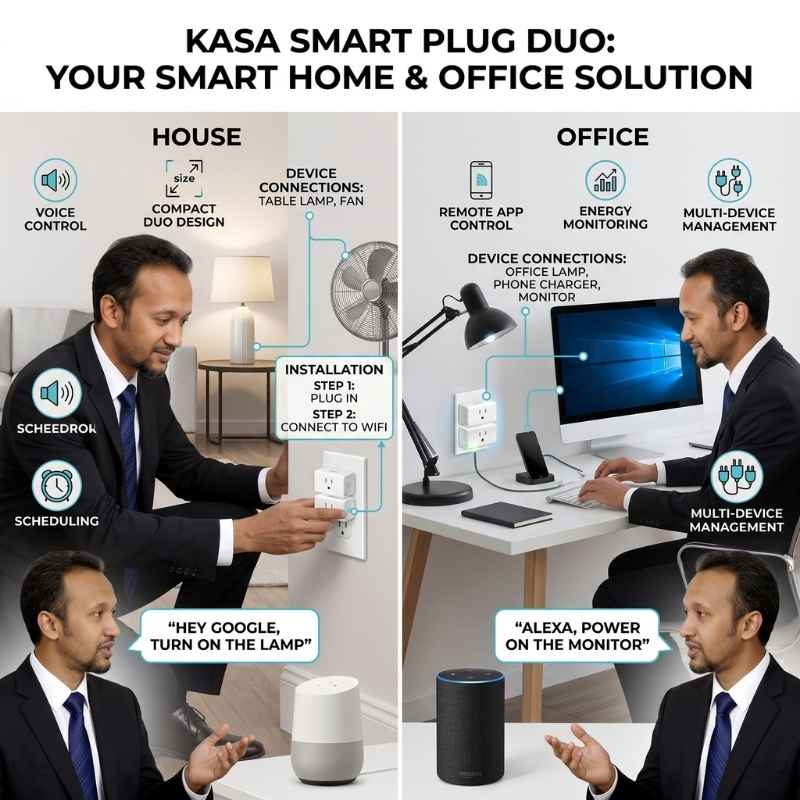
The TP-Link Kasa EP25 delivers reliable performance at roughly $12–13 per plug. Its slim size fits standard duplex outlets without blocking the second socket.
Built-in energy monitoring tracks real-time wattage through the Kasa Smart app. Schedule automations run lights and fans on custom daily routines. Google Assistant voice commands respond in under one second.
Pro Tip: Unplugging idle gaming consoles can save $50–100 per year on electricity.
Pros
- Preserves duplex outlet access.
- Built-in energy monitoring.
- Sub-one-second voice response.
Cons
-
Requires 2.4 GHz Wi-Fi only.
TP-Link Tapo Matter Plug White 2-Pack — Best Matter Support
Best For: Mixed-platform homes
- Connectivity Type: 2.4 GHz Wi-Fi + Matter protocol
- Max Current / Load: 15A / 1,800W
- Outlets / Ports: 1 grounded AC outlet
- Energy Tracking: Real-time wattage plus billing cost estimates
- Google Home Pairing: Direct via Matter and Google Assistant
- Matter Support: Yes — Matter 1.0+ certified
- Safety Certification: UL-Listed
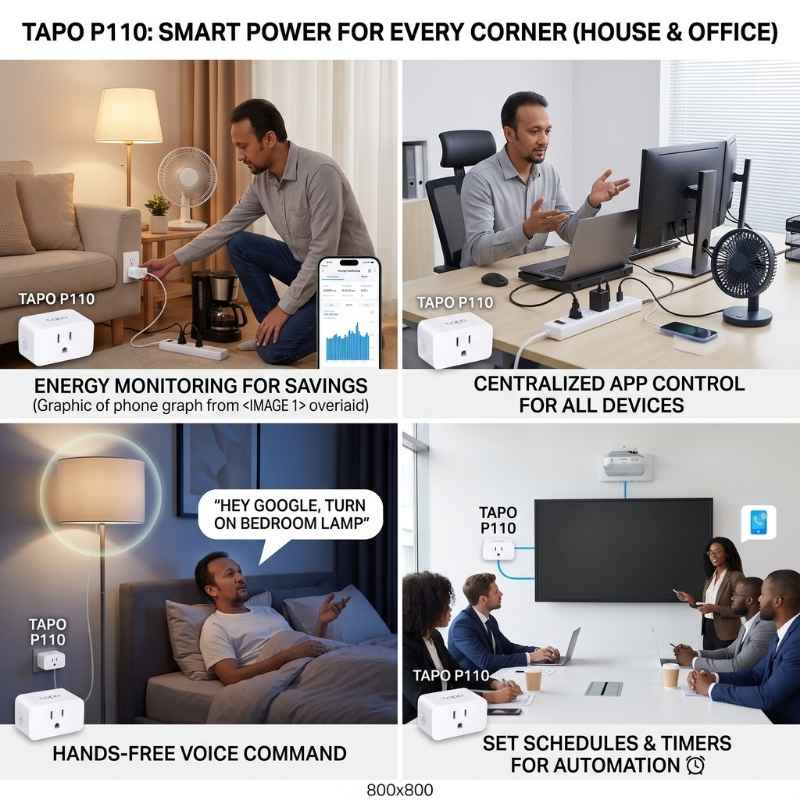
The TP-Link Tapo P110M has Matter certification that ensures compatibility across Google, Apple, and Amazon ecosystems.
Its energy monitoring tracks wattage and estimates monthly billing costs. The compact design fits snugly without obstructing adjacent sockets. Setup takes under two minutes through the Tapo app.
Pro Tip: Pair two P110M plugs with a Google Nest Hub for room-level energy dashboards.
Pros
-
Native Matter certification.
-
Energy monitoring.
-
Preserves duplex outlet access.
Cons
-
Requires separate Tapo app (not Kasa app).
EIGHTREE Wi-Fi Smart Plug White 4-Pack — Best Energy Monitor
Best For: Energy auditing
- Connectivity Type: 2.4 GHz Wi-Fi (Smart Life app)
- Max Current / Load: 10A–13A depending on model (verify before purchase)
- Outlets / Ports: 1 grounded AC outlet per plug
- Energy Tracking: Real-time watts, voltage, current, and kWh history
- Google Home Pairing: Via Google Assistant through Smart Life app
- Matter Support: Available on select models (check listing)
- Safety Certification: ETL-Listed, FCC certified
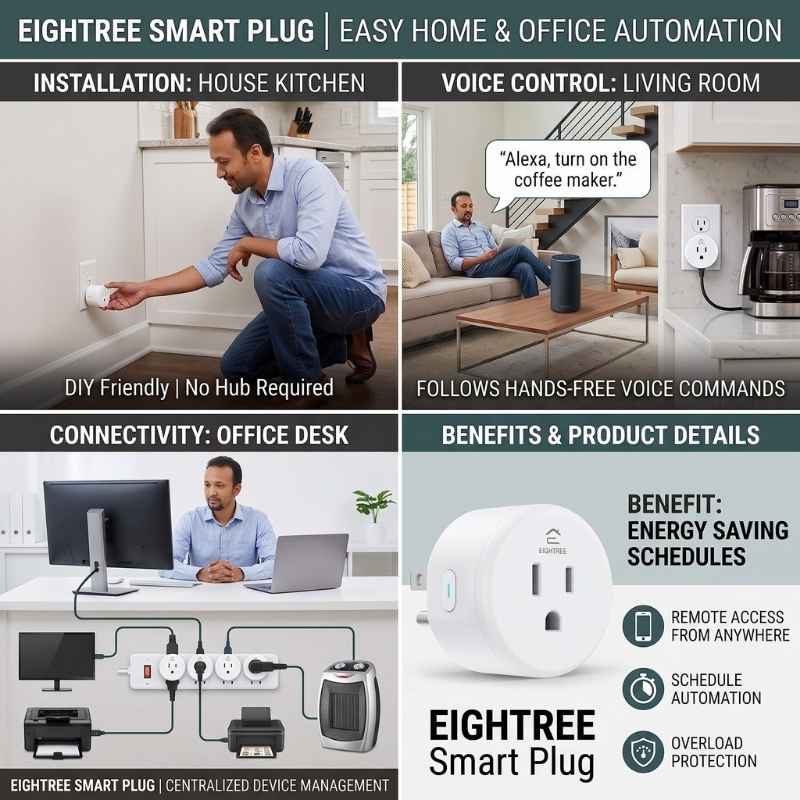
The EIGHTREE 4-Pack provides real-time energy tracking at a budget-friendly price. Each plug monitors watts, voltage, and current through the Smart Life app.
Built-in overload protection and flame-retardant materials ensure safe continuous operation. The compact square body fits standard outlets without blocking neighbors.
Pro Tip: Place one EIGHTREE plug on each major appliance for a whole-home energy audit.
Pros
-
Real-time energy monitoring (watts, voltage, current).
-
Cheap cost.
-
Built-in overload protection.
Cons
-
Operates on 2.4 GHz Wi-Fi only.
Kasa Smart Wi-Fi Plug White 2-Pack — Most Compact Design
Best For: Tight outlet spaces
- Connectivity Type: 2.4 GHz Wi-Fi (no hub required)
- Max Current / Load: 15A / 1,800W
- Outlets / Ports: 1 grounded AC outlet
- Energy Tracking: Not available on this model
- Google Home Pairing: Direct Google Assistant integration
- Matter Support: Not Matter-certified
- Safety Certification: UL-Listed
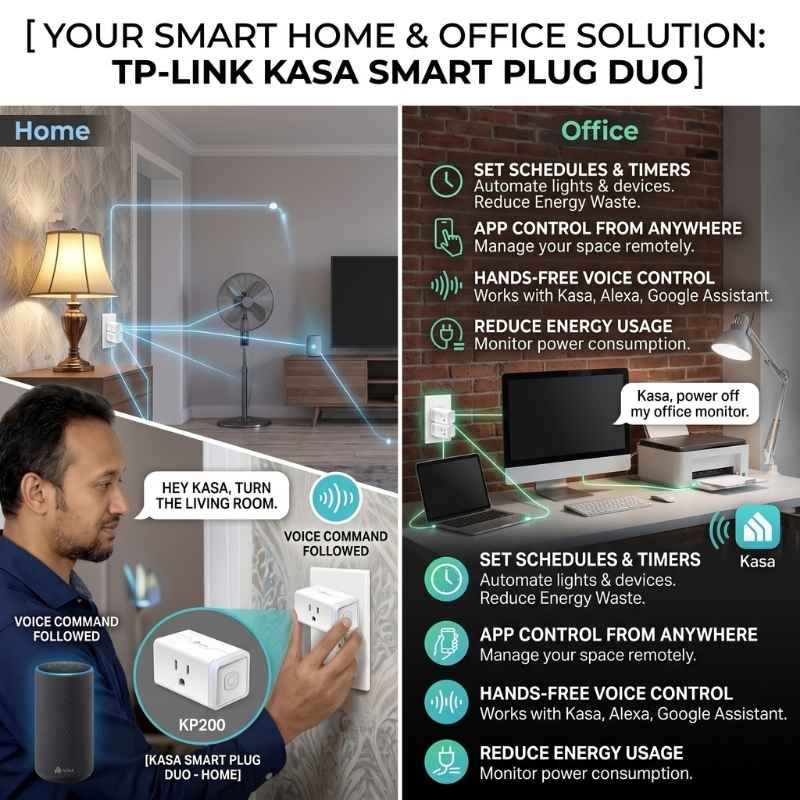
The TP-Link Kasa HS103 is the smallest Wi-Fi smart plug that is ideal for bedrooms and nurseries. It’s Google Assistant commands trigger without any delay. The Kasa Smart app provides scheduling and Away Mode features.
No hub is required for setup or daily operation. Simply plug in, connect to 2.4 GHz Wi-Fi, and pair with Google Home. You can choose this model specifically for tight outlet spaces.
Pro Tip: Stack two HS103 plugs on one duplex outlet to control both sockets separately.
Pros
-
Ultra-slim plug.
-
Ideal for bedrooms.
-
Budget-friendly.
Cons
-
No Matter protocol support.
Kasa Smart Matter Plug White 4-Pack — Best Future-Proof
Best For: Long-term investment
- Connectivity Type: 2.4 GHz Wi-Fi + Matter protocol
- Max Current / Load: 15A / 1,800W
- Outlets / Ports: 1 grounded AC outlet
- Energy Tracking: Real-time wattage plus billing estimates
- Google Home Pairing: Direct via Matter and Google Assistant
- Matter Support: Yes — Matter certified
- Safety Certification: UL-Listed
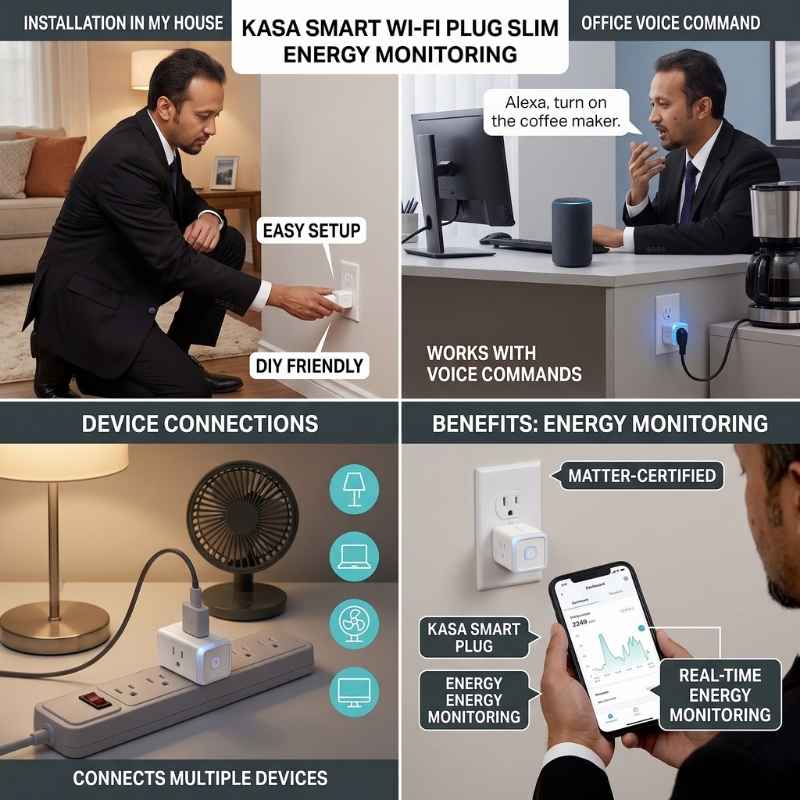
The TP-Link Kasa KP125M combines Matter certification with energy monitoring. This plug works across Google Home, Apple HomeKit, Amazon Alexa, and SmartThings simultaneously.
Energy monitoring includes real-time wattage and monthly billing estimates. The slim 1.5 x 2.6 x 1.6 inch profile preserves adjacent outlet access. Setup completes in under two minutes through the Kasa Smart app.
Pro Tip: Use billing estimates to calculate the exact payback period for each plug. Most KP125M units pay for themselves within three to six months through phantom load savings.
Pros
-
Matter-certified for Google, Apple, Amazon, and SmartThings.
-
Energy monitoring.
-
Slim fit for duplex outlet access.
Cons
-
Requires 2.4 GHz Wi-Fi only.
Kasa Smart Outdoor Plug Black 1-Pack — Best Outdoor Use
Best For: Outdoor weather use
- Connectivity Type: 2.4 GHz Wi-Fi with extended range (300 ft)
- Max Current / Load: 15A / 1,800W
- Outlets / Ports: 2 independent weatherproof AC outlets
- Energy Tracking: Not available on this model
- Google Home Pairing: Direct Google Assistant integration
- Matter Support: Not Matter-certified
- Safety Certification: UL-Listed, IP64 weather rated
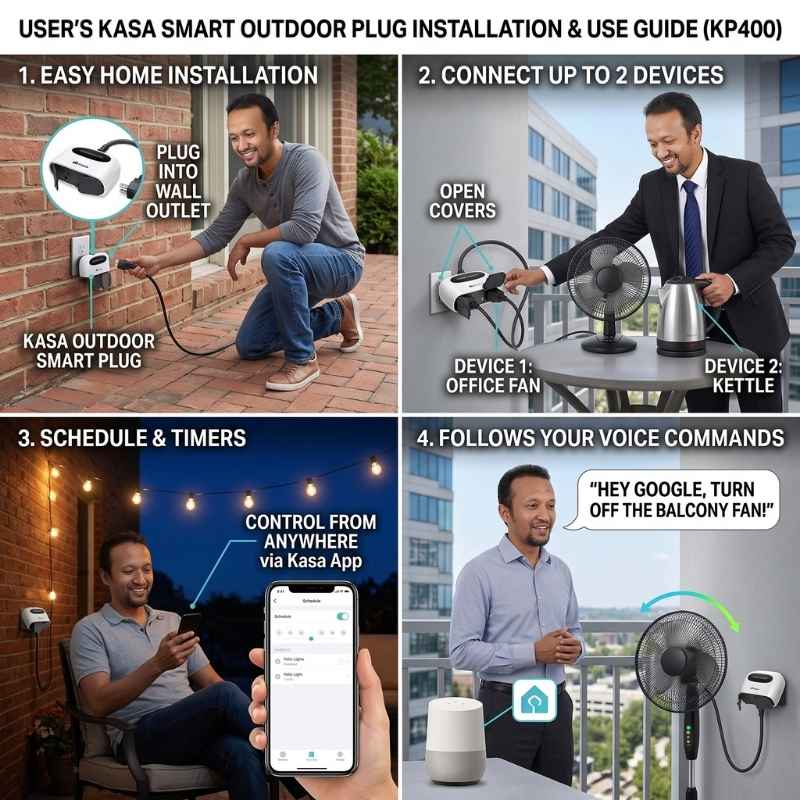
The TP-Link Kasa KP400 features IP64 weather protection for outdoor installations. Its dual independent outlets control two devices separately through the Kasa app. The built-in power amplifier extends Wi-Fi range up to 300 feet outdoors.
IP64 certification has full dust protection and splash resistance from any direction. Weather-resistant covers must cap unused sockets during rain. This plug handles standard 15-amp outdoor loads for string lights and fountains.
Pro Tip: The Kasa app calculates local sunrise and sunset times based on your zip code.
Pros
-
IP64 weather-rated for rain, dust, and outdoor elements.
-
Dual outlets separately controlled.
-
Extended Wi-Fi range up to 300 feet.
Cons
-
No energy monitoring feature.
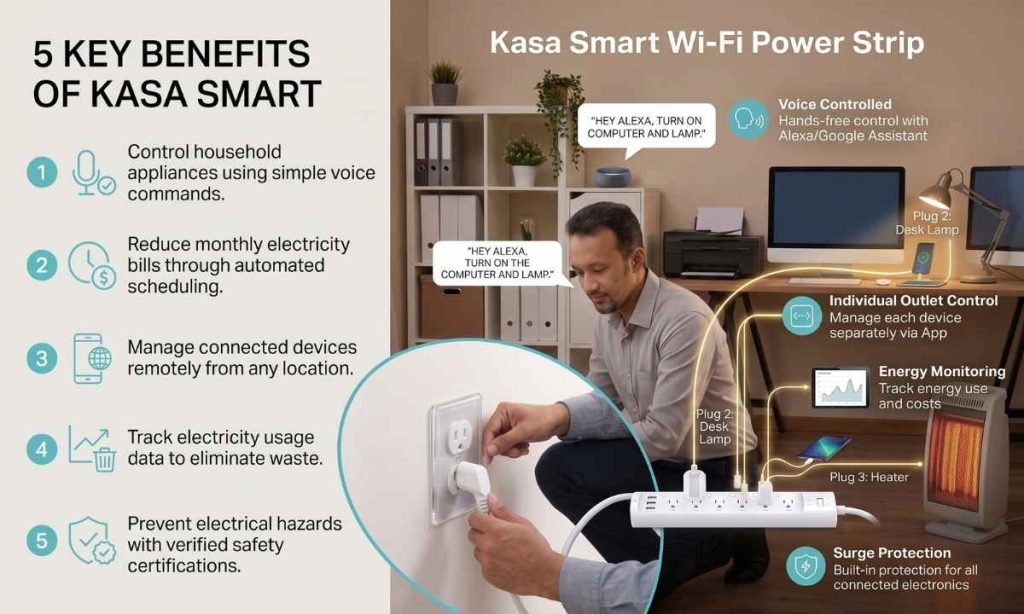
Kasa Smart Wi-Fi Power Strip White 1-Pack — Best Multi-Device
Best For: Entertainment centers
- Connectivity Type: 2.4 GHz Wi-Fi (no hub required)
- Max Current / Load: 15A / 1,800W total across all outlets
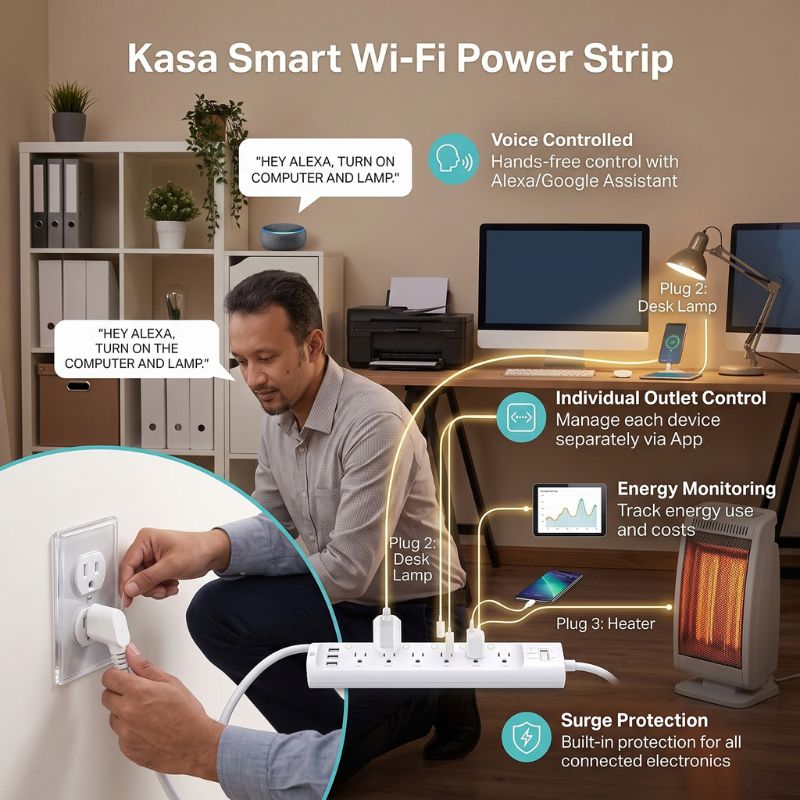
- Outlets / Ports: 6 individually controlled AC outlets + 3 USB ports
- Energy Tracking: Individual outlet energy monitoring
- Google Home Pairing: Each outlet named and controlled separately
- Matter Support: Not Matter-certified
- Safety Certification: UL-Listed with built-in surge protection
The TP-Link Kasa KP303 controls six smart outlets plus three USB ports simultaneously. Each outlet receives an individual name inside the Google Home app.
Individual outlet monitoring tracks energy usage for each connected device. Built-in surge protection shields all connected electronics from voltage spikes. The power strip handles 15 total amps across all six outlets combined.
Pro Tip: Name each outlet after the connected device (“TV,” “Xbox,” “Soundbar”) in Google Home.
Pros
-
Six individually controlled smart outlets.
-
Built-in surge protection.
-
Each outlet energy monitoring.
Cons
-
Higher price point than single smart plugs.
HBN Wi-Fi Smart Plug White 4-Pack — Best Budget Bundle
Best For: Whole-home budget
- Connectivity Type: 2.4 GHz Wi-Fi + Bluetooth for setup
- Max Current / Load: 15A / 1,875W
- Outlets / Ports: 1 grounded AC outlet per plug
- Energy Tracking: Not available on this model
- Google Home Pairing: Via Google Assistant through HBN Smart app
- Matter Support: Not Matter-certified
- Safety Certification: ETL-Listed, FCC certified
The HBN 4-Pack offers whole-home smart coverage and connects directly to 2.4 GHz Wi-Fi without requiring a hub. Google Assistant voice commands work across all four units.
The HBN Smart app provides scheduling, countdown timers, and device sharing. Family members can control shared plugs through their own smartphones. Some models include child-safety sliding covers over unused outlets.
Pro Tip: Use countdown timers on bathroom exhaust fans and curling irons.
Pros
-
Lowest per-unit cost.
-
Bluetooth-assisted setup.
-
Device sharing.
Cons
-
No energy monitoring feature included.
Top 8 Smart Plugs Features Comparison for People of the U.S.
| Products Name | Brand | Features |
| TP-Link Kasa Smart Plug EP25 | TP-Link Kasa | Connectivity: Connect via Wi-Fi network Max Load: Handle eighteen hundred watts Outlets: Power single grounded socket Energy Tracking: Record historical kilowatt-hour data Matter Support: Omit Matter protocol integration Safety Cert: Ensure verified UL compliance Google Home: Pair directly with Google Best For: Everyday home use Price Range: ~$12–13/plug |
| TP-Link Tapo P110M Smart Plug | TP-Link Tapo | Connectivity: Link via Matter Wi-Fi Max Load: Handle eighteen hundred watts Outlets: Power single grounded socket Energy Tracking: Estimate monthly billing costs Matter Support: Connect across smart ecosystems Safety Cert: Ensure verified UL compliance Google Home: Integrate directly via Matter Best For: Mixed-platform homes Price Range: ~$15–18/plug |
| EIGHTREE Wi-Fi Smart Plug 4-Pack | EIGHTREE | Connectivity: Connect via Wi-Fi network Max Load: Supply ten-thirteen amp current Outlets: Power single grounded socket Energy Tracking: Track watts and voltage Matter Support: Select specific compatible models Safety Cert: Ensure verified ETL compliance Google Home: Link through Smart Life Best For: Energy auditing Price Range: ~$7–8/plug |
| TP-Link Kasa Mini Plug HS103 | TP-Link Kasa | Connectivity: Connect via Wi-Fi network Max Load: Handle eighteen hundred watts Outlets: Power single grounded socket Energy Tracking: Exclude power monitoring sensors Matter Support: Omit Matter protocol integration Safety Cert: Ensure verified UL compliance Google Home: Pair directly with Google Best For: Tight outlet spaces Price Range: ~$10/plug |
| TP-Link Kasa KP125M Smart Plug | TP-Link Kasa | Connectivity: Link via Matter Wi-Fi Max Load: Handle eighteen hundred watts Outlets: Power single grounded socket Energy Tracking: Estimate monthly billing costs Matter Support: Connect across smart ecosystems Safety Cert: Ensure verified UL compliance Google Home: Integrate directly via Matter Best For: Long-term investment Price Range: ~$20–25/plug |
| TP-Link Kasa Outdoor Plug KP400 | TP-Link Kasa | Connectivity: Extend range three-hundred feet Max Load: Handle eighteen hundred watts Outlets: Control dual outdoor sockets Energy Tracking: Exclude power monitoring sensors Matter Support: Omit Matter protocol integration Safety Cert: Ensure UL IP64 ratings Google Home: Pair directly with Google Best For: Outdoor weather use Price Range: Under $30 |
| TP-Link Kasa Smart Strip KP303 | TP-Link Kasa | Connectivity: Connect via Wi-Fi network Max Load: Handle eighteen hundred watts Outlets: Control six smart sockets Energy Tracking: Monitor individual socket consumption Matter Support: Omit Matter protocol integration Safety Cert: Guard with surge protection Google Home: Name each outlet separately Best For: Entertainment centers Price Range: Under $50 |
| HBN Wi-Fi Smart Plug 4-Pack | HBN | Connectivity: Pair quickly via Bluetooth Max Load: Handle eighteen hundred watts Outlets: Power single grounded socket Energy Tracking: Exclude power monitoring sensors Matter Support: Omit Matter protocol integration Safety Cert: Ensure verified ETL compliance Google Home: Link through HBN app Best For: Whole-home budget Price Range: ~$6/plug |
Buyer’s Guide for People of the U.S.: Choosing the Right Plug
Electrical Standards
Standard residential circuits in the United States operate at 120 volts. Most household circuits use 15-amp breakers. Choose plugs rated for 15A/1,800W to match your wiring safely.
Matter Protocol
Matter is the unified smart home standard launched in 2022. Google, Apple, Amazon, and Samsung all adopted this protocol. Matter-certified plugs work across all major ecosystems without reconfiguration.
Amperage Limits
Never connect appliances that exceed your plug’s rated amperage. A 15-amp plug handles up to 1,800 watts continuously. Check your appliance label before plugging it into any smart switch.
Safety Certifications (UL/ETL)
Both UL and ETL are OSHA-recognized testing laboratories. Either listing confirms independent safety testing was performed. Never purchase smart plugs without a visible UL or ETL mark.
Outlet Orientation
Slim-size plugs preserve access to the second duplex socket. Test fit before purchasing if your outlets sit in tight spaces. The Kasa HS103 offers the smallest footprint that is currently available.
Network Requirements
All Wi-Fi smart plugs require 2.4 GHz networks exclusively. Most do not connect to 5 GHz bands at all. Verify your router broadcasts a separate 2.4 GHz network before purchasing.
Space Heater Safety Warning
Portable space heaters should connect directly to wall outlets. Smart plugs may overheat under continuous high-wattage heating loads. The National Electrical Code discourages intermediate devices for resistive heating equipment.
Price Range Options for Smart Plugs
You can purchase suitable smart plugs within a reasonable budget.
| Price Range | Materials |
| Budget ($10 – $20) | Flame-retardant polycarbonate housing with nickel-plated brass prongs |
| Mid-Range ($20 – $40) | Impact-resistant ABS enclosure with phosphor bronze contact terminals |
| Premium ($40 – $60) | Weatherproof silicone-sealed casing with reinforced aluminum internal busbar |
Step-by-Step: Connecting Any Smart Plug to Google Home
Step 1 — Plug In
Insert your new smart plug into a grounded wall outlet. The indicator light should begin blinking to signal pairing mode. Keep the plug near your Wi-Fi router during initial setup.
Step 2 — Download App
Install the manufacturer’s app from Google Play or the Apple App Store. Create an account or sign in to your existing account. The app guides you through the Wi-Fi network connection automatically.
Step 3 — Connect Wi-Fi
Choose your 2.4 GHz Wi-Fi network inside the manufacturer app. Enter your network password when prompted by the app. Wait for the plug’s indicator light to turn solid green.
Step 4 — Link Google Home
Open the Google Home app on your phone. Tap the “+” icon and select “Set up device.” Choose “Works with Google” and find your plug manufacturer.
Step 5 — Authorize Account
Sign into your manufacturer account inside Google Home. Authorize Google to access your connected smart plug devices. Your plugs now appear inside the Google Home app automatically.
Step 6 — Assign Room
Tap each plug and assign it to a specific room. Name each plug clearly (e.g., “Bedroom Lamp” or “Kitchen Fan”). Clear names ensure accurate voice command responses from Google Assistant.
Setup and Troubleshooting Tips
Initial Setup
Position new plugs within ten feet of your router during setup. Complete firmware updates before moving plugs to distant rooms. Updated firmware improves stability and patches security vulnerabilities regularly.
Google Account Linking
Refresh linked cloud accounts inside Google Home settings periodically. Stale authentication tokens can cause delayed voice responses over time. Unlinking and relinking accounts resolves most connection problems quickly.
Voice Naming
Assign short, phonetically distinct names to each smart plug. Avoid similar names like “Lamp 1” and “Lamp 2” in the same room. Google Assistant performs best with clear, unique device names throughout.
Room Assignment
Group smart plugs into designated rooms inside Google Home. Room-based commands like “Hey Google, turn off the bedroom” control all grouped plugs. This simplifies voice automation across your entire household efficiently.
Reboot Procedure
Unplug unresponsive units from the wall for ten full seconds. Reconnect and wait for the indicator light to blink again. The plug re-establishes Wi-Fi connection to your router automatically upon restart.
GFCI Compliance
NEC code requires GFCI protection in kitchens, bathrooms, garages, and outdoors. Verify your outlet has GFCI protection before installing outdoor smart plugs. The Kasa KP400 requires a GFCI-protected outdoor receptacle specifically.
Conclusion
Best smart plugs for Google Home deliver safe, voice-controlled automation to every room. You can automate bedrooms, kitchens, patios, and entertainment centers affordably. Every recommended plug carries independent UL or ETL safety certification.
Matter-certified models like the Tapo P110M and Kasa KP125M future-proof your investment. Energy monitoring plugs can reduce monthly electricity bills by 5–15%.
Choose UL-Listed or ETL-Listed plugs exclusively for your home. Verify 2.4 GHz Wi-Fi compatibility before purchasing any smart plug.
How Much Does a Smart Plug Cost?
Smart plugs range from $6 to $50, spanning budget units at 6–13, mid-range plugs at 20–40, and premium multi-outlet smart strips up to $50.
What’s the Best Smart Plug to Buy?
The TP-Link Kasa EP25 is the best overall choice (~$12–13), featuring sub-one-second voice response, duplex outlet clearance, and built-in energy monitoring without requiring a hub.
Can You Use a Smart Plug With 220V Power?
No. The recommended models are built exclusively for standard 120V, 15A/1,800W residential circuits. Using them on 220V power exceeds design specifications and creates significant electrical hazards.
Are smart plugs safe to use when traveling?
Quality smart plugs with UL or ETL certification are safe for unattended operation. Remote shutoff through the smartphone app lets you power down forgotten appliances from anywhere.
Will smart plugs block other wall outlets?
Slim-profile models like the TP-Link Kasa HS103 (1.5 x 2.6 x 1.6 inches) are designed specifically to preserve duplex outlet access. Mini-sized plugs allow two smart plugs on one standard wall plate.
If outlet clearance is critical, choose plugs marketed as “mini” or “slim” – these models guarantee both sockets remain fully usable.
As an Amazon and Walmart Associate I earn from qualifying purchases.